Where a 15.6-inch external-host monitor fits
A 15.6-inch format can be appropriate when the interface needs more room than a small panel but less than a 21.5-inch terminal. Evaluate it for a compact reception station, production-cell control screen, retail information point or a branded interactive assembly. The monitor does not include the computer in the published description, so the buyer remains responsible for the host, operating system, application and content. That separation can simplify upgrades when the computer changes independently of the enclosure.
Size alone is not a fit check. Test the longest labels, number of visible fields, button spacing and expected viewing distance in the actual user posture. If the layout needs more space, compare the 21.5-inch capacitive touch monitor; the 15.6-inch listing also notes optional 18.5, 21.5, 24, 27 and 32-inch formats, subject to quotation confirmation. For a wider product view, browse the capacitive touch monitor category. Do not assume outdoor sealing, payment hardware or kiosk-level integration from the monitor format.
Display and touch details to verify in the application
The listing describes a 1920 × 1080 BOE A+ IPS panel and ten-point capacitive touch. Those details help define the visual and interaction baseline, but the application still needs testing for text rendering, small controls, gesture behavior and edge-of-screen targets. Multi-touch is useful only where the software implements the expected gestures; do not treat the touch count as proof that every zoom, swipe or rotate action will work in your program.
The product page states a response time below 6 ms. This is a published touch specification, not an end-to-end system latency guarantee. Total interaction time can include the host, operating system, application processing, display output and cable arrangement. If rapid feedback matters, set an acceptance test that uses the intended host and software. Check whether the app depends on palm rejection, gloved operation, water handling or other conditions that the listing does not establish; raise those as project questions rather than assumed capabilities.
Host, video, touch and audio integration
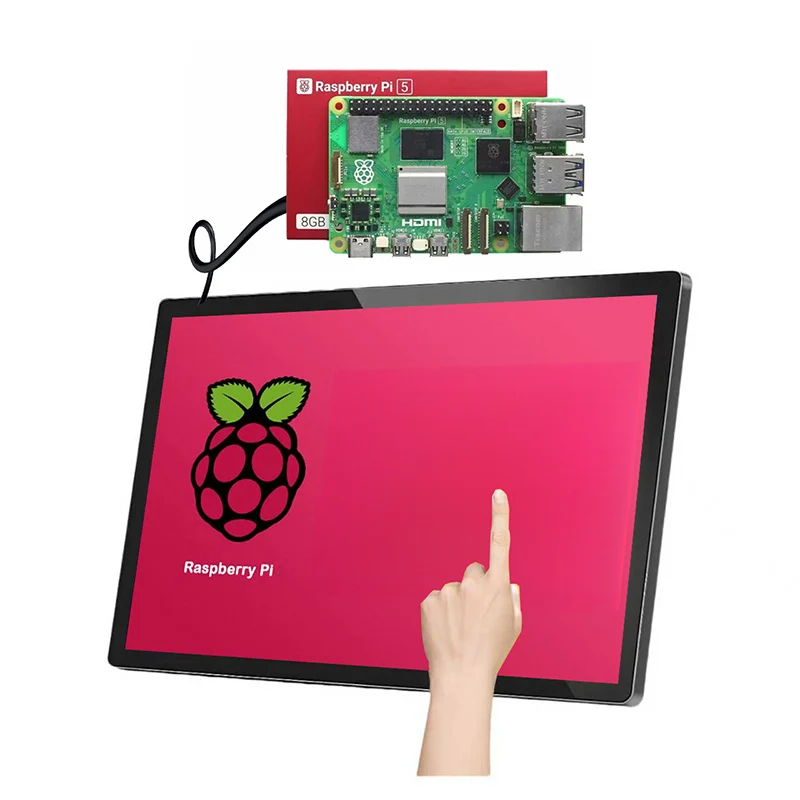
Android, Windows and Linux compatibility is stated, with HDMI, VGA, USB and audio input/output listed alongside integrated speakers. Provide the exact host model, operating-system version and required ports so the offered cable and touch-control arrangement can be checked. If adapters, hubs or extension cables are planned, include them in the sample evaluation; a connector that fits physically may still affect the installation.
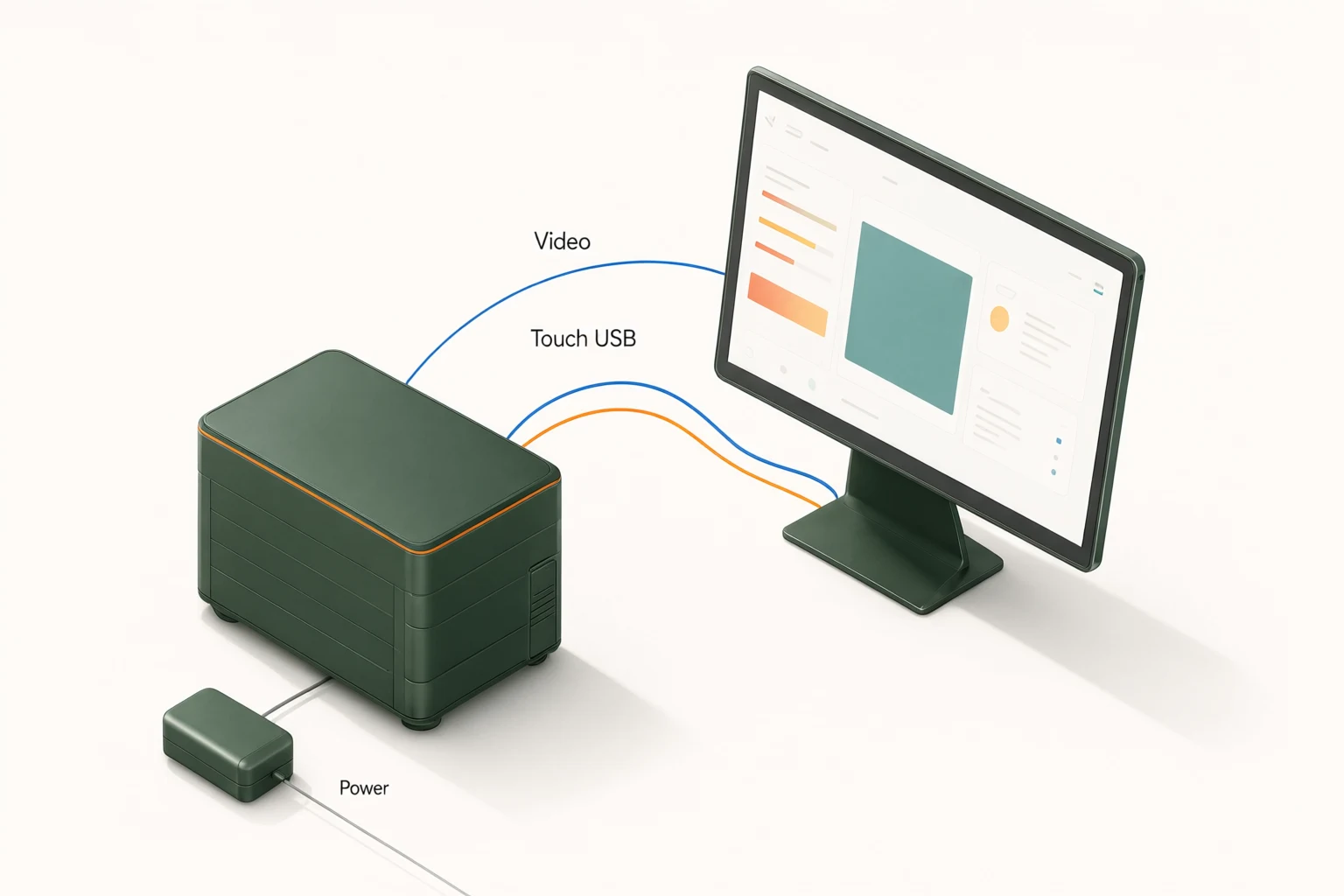
Ask the quotation to identify the video input, USB touch connection, audio path, power supply and cable lengths for the proposed build. If your design requires direct LVDS integration, state that requirement explicitly and request interface documentation for the offered configuration; do not treat the display-side connection as ready for your controller until the factory confirms it. Confirm whether speakers are included in the quoted configuration and how audio is delivered. Touch mapping and display output should both be verified on the chosen host before enclosure release.
Mechanical fit, mounting and service access
The published description calls for a slim borderless design with a metal frame and VESA-compatible mounting. Request the drawing, weight, fixing pattern, bezel dimensions and connector positions before designing a stand, panel cut-out or trim. VESA compatibility does not by itself prove that the arm, adapter plate or fastener set is suitable for the finished assembly. Ask what mounting hardware and cables the quotation includes.
Plan service access around the connectors and any control points rather than placing them behind a sealed box. Use the actual cable bodies to check bend radius and insertion clearance. If the monitor is retained by front trim, review how pressure is distributed so the touch surface and display are not stressed. An enclosure sample is more useful than a paper fit check when connector placement, cable routing or lift-and-remove service access is critical.
RFQ inputs and acceptance for Alihh
Send a concise integration brief with the intended use, host model, operating-system version, quantity, destination, enclosure drawing and required cable lengths. Identify the required ports, mounting orientation, audio needs and any interface review such as LVDS. If appearance or mechanical adaptation is part of the project, use the OEM/ODM project review route and describe which parts are fixed and which remain open. Ask the offer to list the panel, controller, power supply, cables and mounting accessories as separate line items so the configuration can be compared.
Approve a sample with the real application, host and proposed enclosure. Check boot and restart behavior, touch mapping, text legibility, edge targets, audio, cable retention, VESA fixing and service access. Record pass/fail criteria before the sample arrives. Contact Alihh with your 15.6-inch touch monitor requirements to receive a quotation based on the confirmed configuration rather than assumptions.
Frequently asked questions
Is this a complete computer or only a monitor?
The published product is a monitor for an external host, not an integrated computer. Identify who supplies the computer, operating system, application and media content. Ask the quotation to separate the monitor, cables, power supply and mounting accessories from those system components.
Can Alihh confirm compatibility with my Android, Windows or Linux host?
Android, Windows and Linux compatibility is stated. Provide the exact host model, operating-system version and application details so the proposed connection can be reviewed. Test display output, touch mapping, audio and restart behavior with your own host before approving production.
What interface details should I send for quotation?
List the required video input, USB touch connection, audio path, power arrangement and cable lengths. Include any adapters, hubs or extension cables planned for the enclosure. If direct LVDS integration is required, state it clearly and ask for interface documentation for the offered configuration.
How should we approve fit and function?
Use the intended host, software and enclosure or mechanical prototype for the sample evaluation. Check text legibility, touch targets, gesture behavior, boot and restart, audio, cable retention, VESA fixing and service access. Agree pass/fail criteria before testing and confirm the final configuration in the quotation.
Product references